The aGooey UI toolkit
Every graphic SND draws — knobs, faders, meters, LEDs, tactile keys, menus, modal dialogs, graph nodes, a keyboard, an XY pad, a step grid, a sequencer matrix — rendered here from the same shared paint vocabulary that powers snd::ui::retained, Dear ImGui compatibility, and the renderer-neutral draw::Surface path.
Knobs
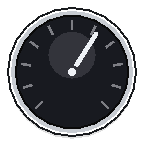
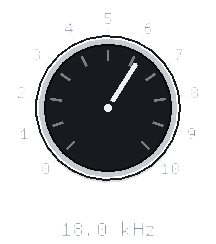
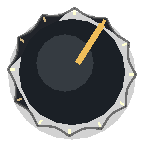
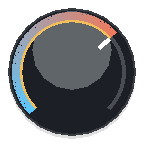
paint::drawKnob · KnobStyleFive hardware-oriented styles. Ring / Seq — the sequencer ring (Seq has flat, square-capped ends and no thumb dot). Synth — flat dished disc + track ring + value arc + pointer tick. Davies — moulded cap with a full tick ring. NxD — the scalloped case that rotates with the value, with a tick ring and bold pointer. Drag any knob up / down.



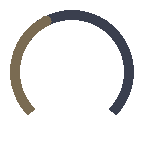
Knob modulation ring
paint::drawKnobModRing · KnobModA second thin arc shows modulation depth from the value; the dot is the live modulated position. SND draws the overlay after any body — built-in styles or custom painters — then the focus ring, so modulated knobs keep one shared look. Drag the knobs — the LFO keeps riding the new value.
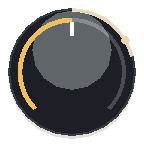


Randomise window
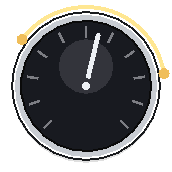
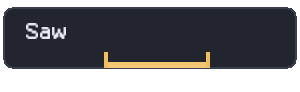
paint::drawKnobWindow · drawComboWindow · KnobWindowRandomise fences: every control carries an independent {lo, hi, locked} window — an arc with two separately grabbable end dots over knobs, an index bracket under combos, and a padlock when locked out of RND. Draw + hit-test live in SND; the overlay mode and drag state stay with the caller. Drag an end dot (up / down on the knob, along the bracket on the combo) — click without dragging to lock.
Fader
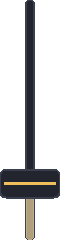
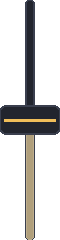
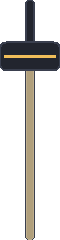
paint::drawFaderChannel fader — centre rail, accent fill below the cap, cap brightens while grabbed. Drag a cap up / down — hold ⇧ Shift for 10× fine.

Toggle
paint::drawToggleSliding switch; the track lerps to the accent as the nub travels. Click to flip.


Transport buttons
widgets::transportButton · paint::drawTransportGlyphThe building block of a transport bar: the outline-button chrome with a crisp vector transport glyph (drawn, not a font), picked by intent (Icon::Record, Play, Stop, Loop). The engaged fill marks the state — blue for play/cycle, and record goes red, its ring filling to a disc while armed. Fires on mouse-down for no-latency feel. Hover them.
Segmented
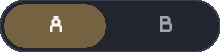
snd::ui::segmented · paint::drawSegmentedA pill group of mutually exclusive options — mono/stereo, filter slope, A/B. One selection; Left/Right arrows move it when focused; equal-width segments sized to the widest label. Click a segment.


Glyph strip
snd::ui::glyphStrip · paint::drawGlyphStripSegmented with vector glyph keys instead of text — the synth oscillator-wave and LFO-shape selectors, drawn 1:1 from the Bob1 glyph geometry. Same binding and interaction as segmented; the speaker key is a plain transport toggle for the LFO audio-rate switch. Click a wave.



LED switch
snd::ui::ledSwitch · paint::drawLedSwitchThe Bob1 ProphetSwitch: silkscreen label over a red lamp over the meaty tactile key. The lamp carries the state — the key only shows the press. Mini and full are the same widget at different sizes. Click the key.

Switch matrix
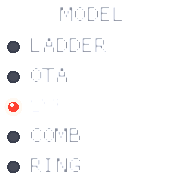
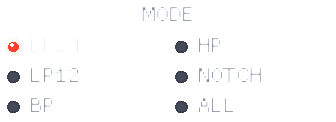
snd::ui::switchMatrix · paint::drawSwitchMatrixBob1's labelled option columns (filter MODEL / MODE / POLES): every option printed with a mini lamp, the active one lit red, radio-select. One column up to five options, two above. The binding is the selected index, exactly segmented's. Click an option.
Stepper
snd::ui::stepper · paint::drawStepperThe Bob1 nameplate [-] value [+] key pair (BEND, VOICES). Click a key or use Left/Right when focused; steps by the binding step and clamps to the range. Click - or +.

Cycle button
snd::ui::cycleButton · paint::drawCycleButtonA multi-state value button: click cycles the enum in place, right-click steps back — one control, no dropdown. Pips mark the position in the cycle, and the button is sized to the widest option so nothing jumps. Click / right-click.
Animated & custom paint
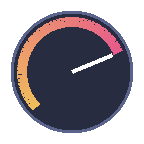
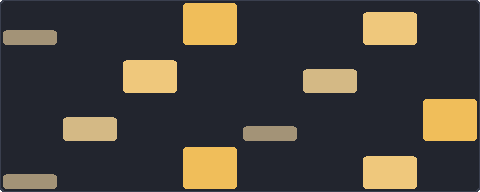
animatedButton · ButtonPainter · KnobPainter · XYPadPainter · PatternCellPainterGeneration/action buttons can carry a subtle live sweep, while custom painter hooks let a consumer draw a knob, button, XY-pad, or pattern-grid-cell body without owning hit-testing, focus, keyboard, value mapping, or accessibility. SND draws the required focus treatment after the painter runs. The gradient knob and velocity cells below also use the shared drawGradientArc / drawGradientRect primitives.
Tactile key
paint::drawTactileIconButtonThe other button family — a hardware key for icon & tool buttons (transport, momentary/toggle tools), not text. Light-grey raised, presses into a soft off-white inset with the glyph lit in the accent. Press one. Text buttons stay on the flat style above — tactile isn't every button.
LED button
snd::ui::ledButton · paint::drawLedButtonThe tactile key with an integrated status ring — record-arm, input monitor, transport latches. Latched buttons hold the inset face with the ring lit in the accent; arm pulses while pending. Click to latch / release.


LED
paint::drawLedStatus lamp with a soft bloom when lit. Click to toggle.


Meter
paint::drawMeterPeak meter with the classic green / amber / red hardware zones and a peak-hold line. Vertical and horizontal — this is the one that runs on its own, on simulated program material.



Badge & section header
paint::drawBadge · drawSectionHeaderSmall labels: a tinted pill and a dim caption with a trailing rule.

List item
paint::drawListItemSelectable row — the accent rail and tint mark the current selection while text stays aligned. Click a row.
Value row & drag number
paint::drawValueRow · dragNumberCompact readouts and horizontal drag values share the same value-row paint in immediate and retained modes. Drag numbers keep model state caller-owned; SND owns the row body, focus and fine-drag affordance.
Pattern grid
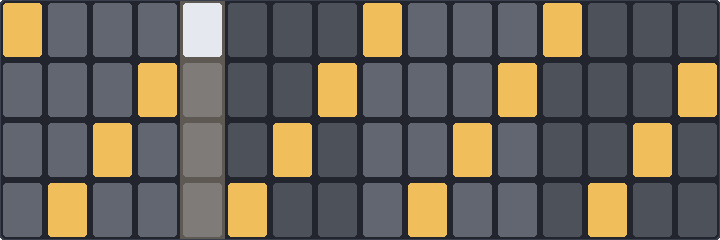
paint::drawPatternGridStep sequencer grid — lit cells in the accent, a checkered off-state on the beat. Click cells to toggle steps.
XY pad
paint::drawXYPadTwo-axis control with a cross-hair and a lit handle. Drag anywhere in the pad.
Envelope / Canvas
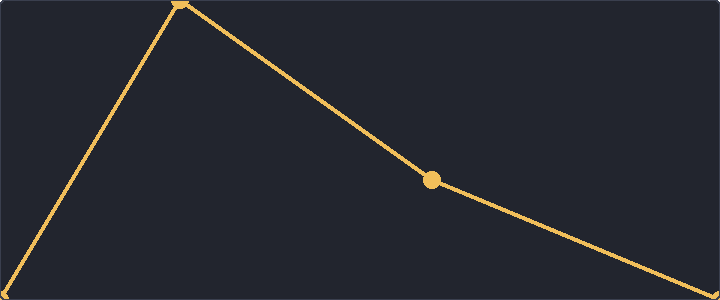
paint::drawEnvelope · retained CanvasBreakpoint curves use the shared envelope painter. In retained mode this is the shape of a Canvas-backed editor: the node owns layout, focus, hit and semantic space while custom drawing owns the pixels. Drag a point.
Keyboard
paint::drawKeyboardPlayable range — white and black keys light in the accent. Click / drag across the keys to play.

Sequencer matrix
MatrixGridGeometry · SequencerMatrix · GhostFenceRetained audio-editor primitives for sequencers and table editors: shared matrix geometry, continuous bars, gate cells, route cells, band spans, playhead, selections, drag preview, help labels, and pass-through ghost fences. Drag rows in the matrix.
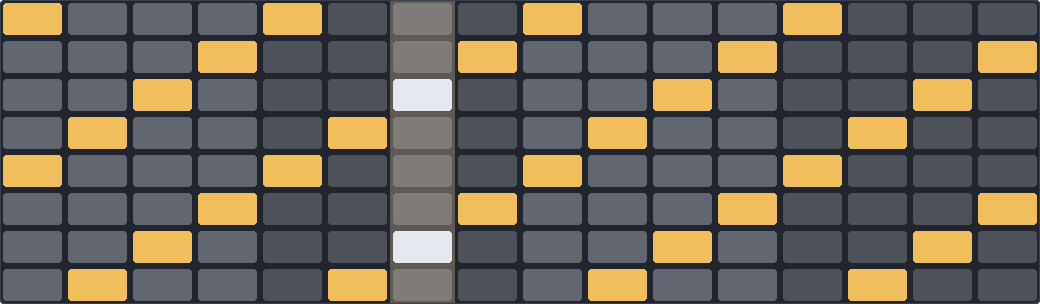
One object returns row, gutter, cell, and playhead rects for paint, hit-test, and semantics.
Continuous bars interpolate across skipped columns; gate and route rows drag-paint.
GhostFence, Help, Playhead, Selection, and DragPreview draw above rows without stealing input by default.
aGooey render surface
snd::ui::retained · draw::Surface · GlWindowaGooey is the retained UI path: stable nodes, layout, focus, events, dirty state, semantic snapshots, and renderer-neutral painting. The C++ namespace remains snd::ui::retained; the public drawing seam is snd::ui::draw::Surface.
GlWindow renders retained trees without a Dear ImGui context.
Immediate compatibility and aGooey use the same palette, focus rings, icons, and control geometry.
RecordingSurface records operations for tests without pretending to be visual QA.
Controls publish roles, names, values, checked/disabled state, actions, and virtual children for spatial surfaces.
Modal dialogs
modalOverlay · modalDialog · alertDialog · confirmDialogRetained blocking overlays with dim, blank, or no visual backdrop, centred dialog chrome or custom panel content, real button children, Escape policy, Tab focus trap, inert background input, and Dialog/Alert semantics.
Delete module?
This removes the module and its cables. Background controls are inert until Cancel, Confirm, Escape, or the configured scrim policy resolves the dialog.
Graph surface
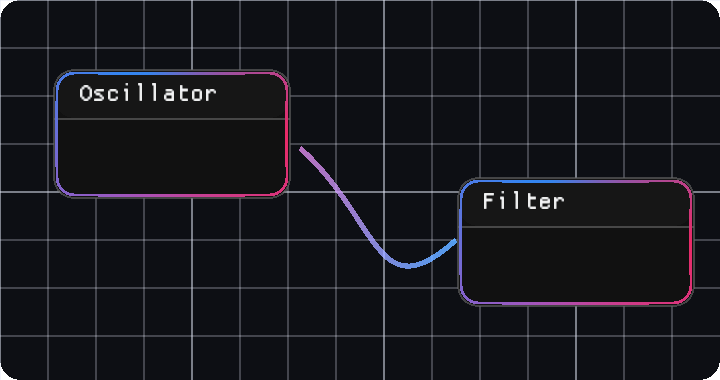
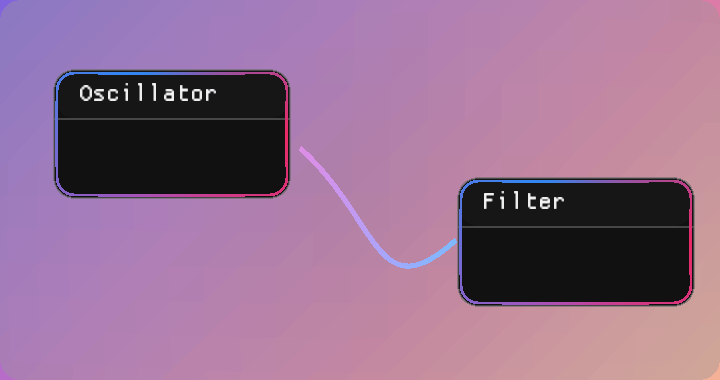
widgets::graphSurface · drawGraphGrid · drawCable · drawModuleBoxRetained graph surfaces own pan/zoom, grid/backdrop, selection, cables, module chrome, ports, hit regions, anchored context menus, keyboard traversal, and virtual semantic children. The caller owns graph data and mutations.
Text field & value field
widgets::textField · widgets::valueFieldPure retained text editing: caret, selection, keyboard editing, semantic value text, and caller-owned strings. Value fields use the same compact row language as drag numbers when editing numeric values.
Scroll view & splitter
widgets::scrollView · widgets::splitterRetained layout primitives for real tool surfaces: scroll views keep content clipped with semantic children intact, and splitters bind to caller-owned proportions so panes rebuild from app state.
Icon catalogue
Material · Apache-2.0 / Lucide · ISCEvery embedded icon selector from snd/icons.h. Material glyphs work inline with ICON_MD_*; Lucide glyphs use ICON_LC_* with iconFontLucide(). Search by selector, display name, or codepoint.
snd::ui::Icon


snd::ui::paint geometry, icons come from third_party/fonts, and new retained surfaces draw through snd::ui::draw::Surface.
aGooey is the preferred retained path; Dear ImGui remains the compatibility layer for existing immediate-mode hosts.